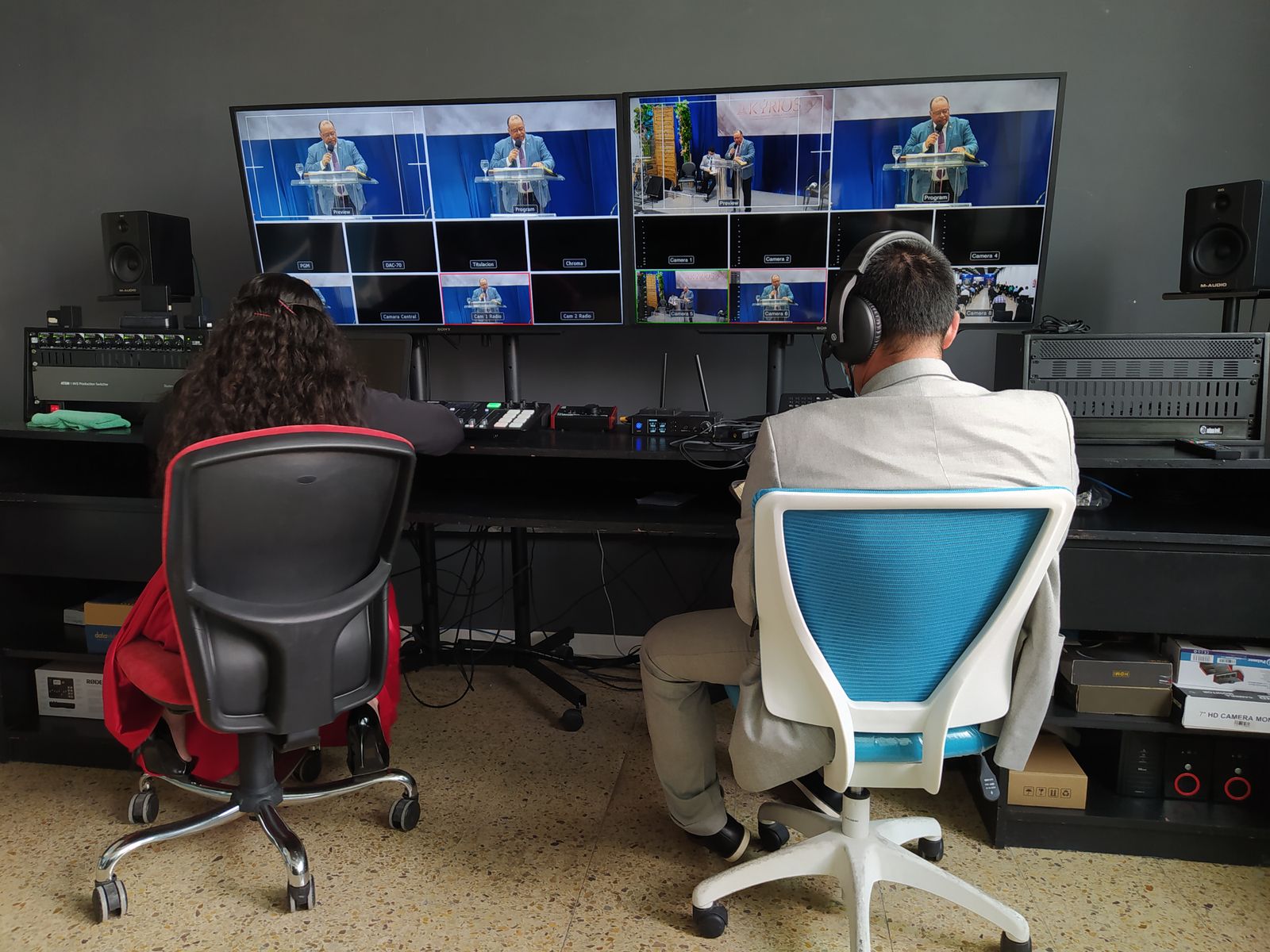
MULTI-CAMERA PRODUCTION
See the whole production. Control the Program.
Use camera, scene and guest workspaces to prepare the next shot while the current Program remains under operator control.
Triumph LS brings professional camera switching, scenes, guests, audio, captions, recording, replay and streaming into one focused Windows production system.
Move from source setup to Program, then record and deliver the show without bouncing between disconnected applications. Triumph LS is organized around the decisions a live operator makes every minute.
Triumph LS is built around professional production concepts—Preview, Program, operator ownership, preflight, destination status and recovery—while keeping the interface organized enough for one operator to stay in control.
Use camera, scene and guest workspaces to prepare the next shot while the current Program remains under operator control.
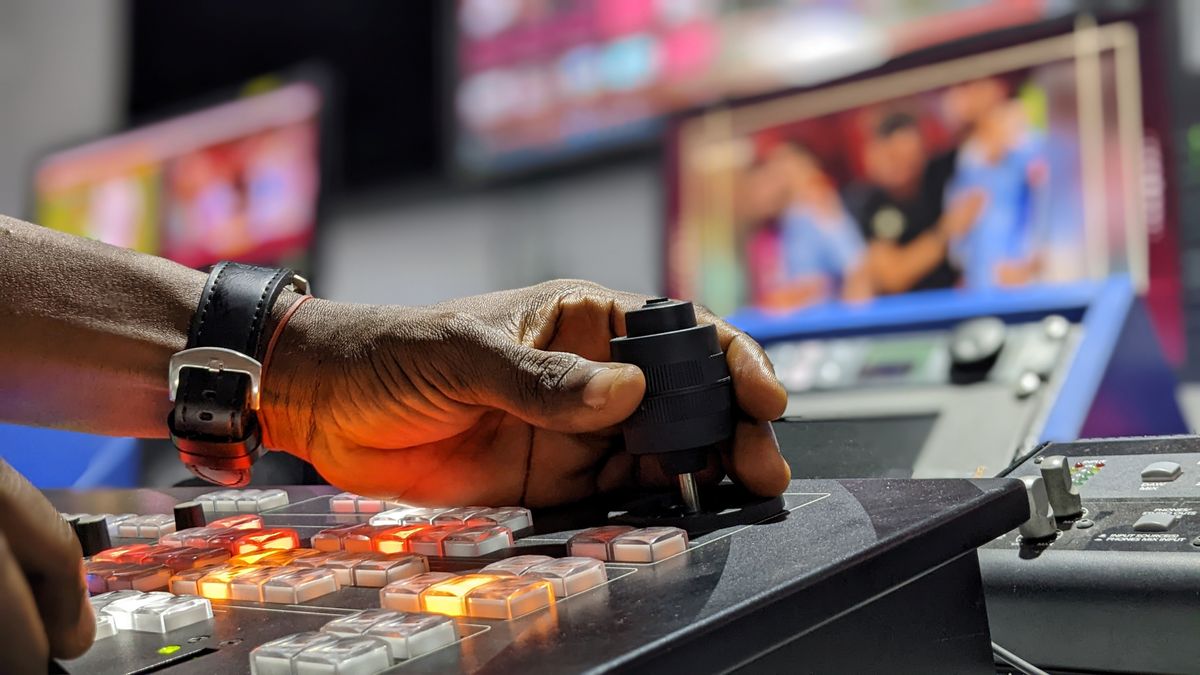
Studio workspaces are organized for live operation, not generic web-app navigation.
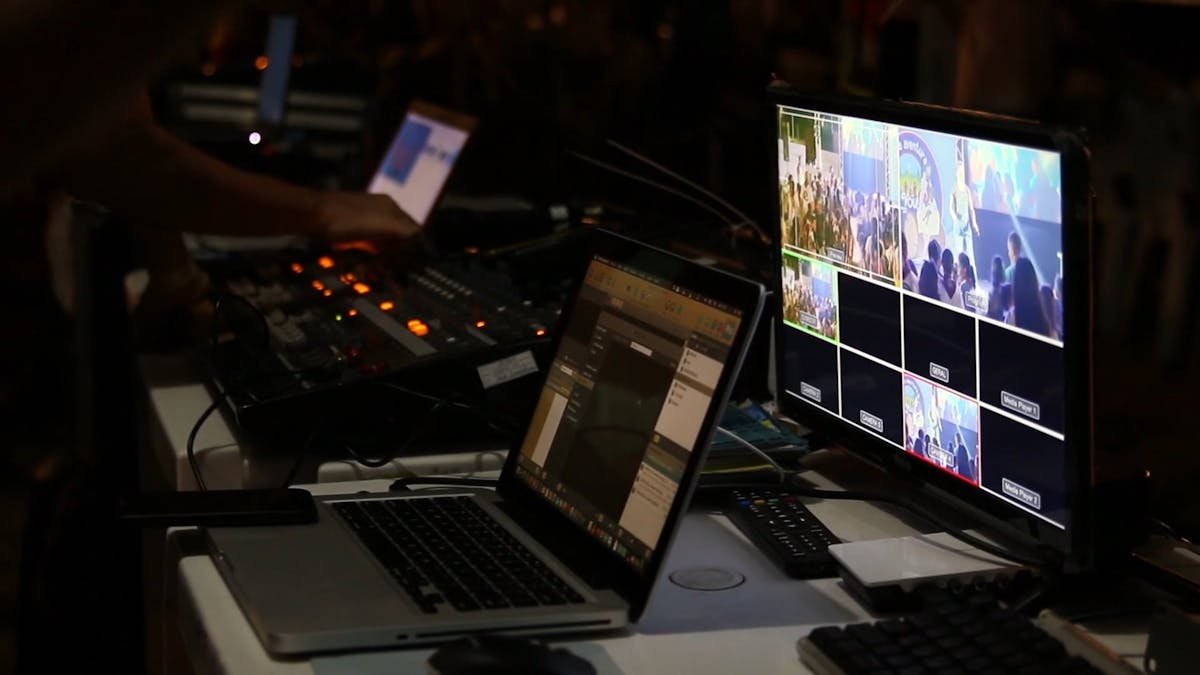
Prepare destinations, inspect encoder activity and keep support information close when hardware behaves differently.
Production photography/video used under the Pexels free-use license. Control room photo · Switcher photo.
Build the show, check the signal, operate Program, record the production and send it to your destination from one Windows application.
Preview and Program workflow, camera monitoring and production-safe switching.
Build branded scenes, titles, lower thirds, media and graphics for Program output.
Bring remote participants into the production with layouts and operator moderation.
Windows and ASIO workflows with routing, multichannel control and operator monitoring.
Local caption workflows for productions that need accessible on-screen text.
Program and ISO recording, safe finalization and replay-oriented production tools.
RTMP destination control with stream state, encoder information, logs and recovery tools.
Production controls for supported MIDI, PTZ, tally and presentation workflows.
Manage cameras, scripture/presentation content, captions, guests, recordings and live destinations from one operator position.
Switch cameras, manage Program, record the event and send the finished show to online destinations.
Produce performances, interviews, launches and branded broadcasts without building a control room from disconnected tools.
Operate lectures, presentations, remote guests and recordings from a consistent Windows workflow.
Create a repeatable production setup for conferences, services, performances and community events.
Standardize operator workflows around Preview, Program, audio, recording and delivery.
LS Standard keeps the major production systems in distinct workspaces so you can move quickly without losing track of Program state. The Windows release keeps protected START safeguards enabled while hardware compatibility expands.
Choose sources and prepare the next shot.
Build the branded visual composition.
Route and monitor the production mix.
Preflight, start, inspect and stop delivery.
Choose cameras, microphones, mixers and production devices.
Prepare scenes, guest layouts, captions, presenter content and destinations.
Verify Program, audio, recording and destination readiness before the show.
Operate the production from Triumph LS and keep status visible throughout the show.
Triumph LS Standard runs as a Windows desktop production application. For multi-camera and multichannel workflows, use a modern Windows machine with current drivers and production hardware appropriate for your show.
If a camera, capture card, encoder, audio device, installation or streaming destination behaves differently on your system, contact Triumph LS Support with your Windows version, device model, screenshot/error text and encoder logs when available.